2. Text Editors
2.1. Brackets
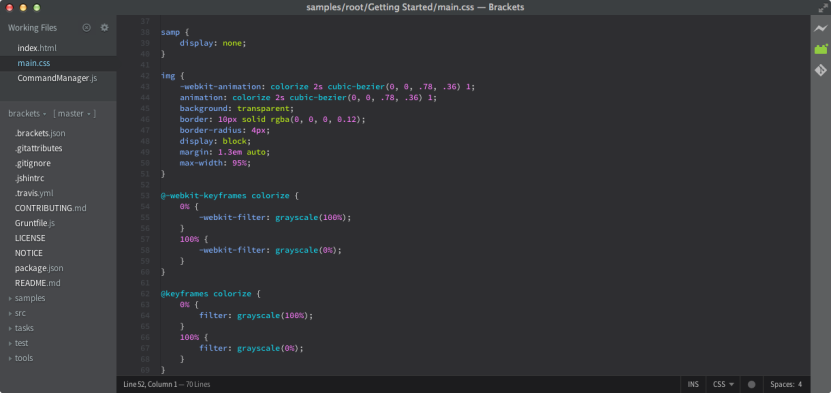
Still using Notepad++?
Although all text editors will let you tap away at raw code, Brackets is our favorite because of its design-relevant features.
If you’re making manual edits, Brackets integrates with your browser so you can check your work on the fly.
The shortcuts are snappy and will save you time (once you get used to them).
You can even pull CSS from other web elements with the Extract extension and copy/paste them right into your code.
A text editor is a text editor – but you can do better than Notepad or Notepad++.
Get Brackets for a free, slightly-upgraded text editing experience that can run on both Mac and PC.
2.2. iEditor
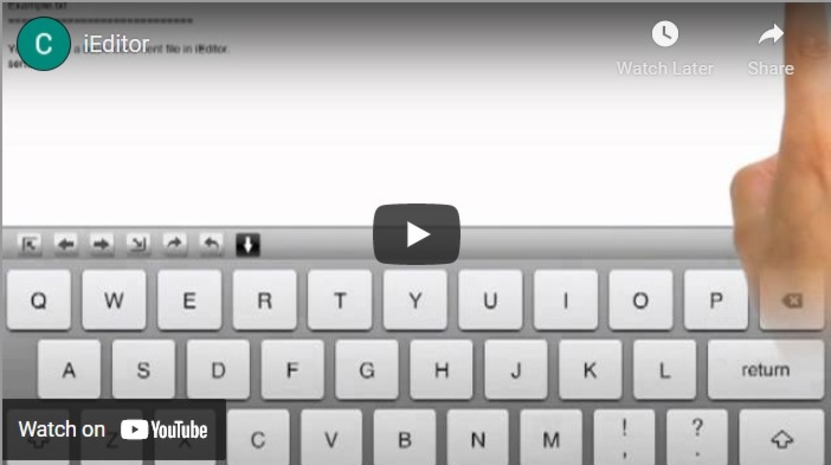
iEditor is a free iPhone app from Comcsoft that will allow you to open text, HTML, and even Javascript files for quick edits on the go.
Although functionality is extremely limited (there is no FTP support or developer-specific tools), it is free – and that’s always convenient.