The key challenges of migrating from Magento 1 to Adobe Magento 2
In many instances, the move from a deprecated version of software to its newest incarnation is a relatively smooth process. However, the move from Magento 1 to Magento 2 is not an upgrade to a newer version of an old system, but a migration to a different system entirely.
If you’re considering migrating to Magento 2, there are some issues to consider before you make the move—and before you put yourself in a position to migrate to Magento 3 in a few years time. Here are the biggest issues to be wary of:
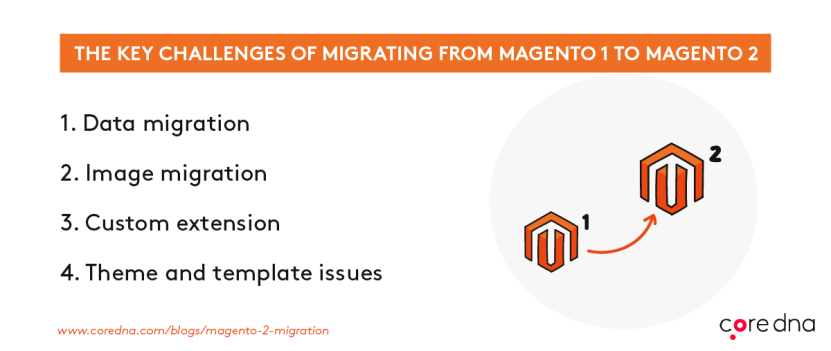
1. Data migration issues
The migration requires that the Magento 1 data be exported and formatted to fit with the Magento 2 database table structures.
2. Image migration issues
Images and media files, including photos, audio files, and video files, must be moved from the old system to the new setup manually.
3. Custom extension issues
For developers who use custom extensions in their Magento 1 system, these extensions will not be supported in Magento 2, so developers will need to rewrite their modules to work with the new system.
4. Theme and template issues
The custom themes and templates that designers develop for Magento 1 will not work in Magento 2, so much of the design work will need to be redone from Square One.
According to the Magento migration overview, the migrating to Magento 2 is “20% larger” than the average Magento 1.x upgrade — and that’s not taking the above issues into account. All of these issues mean that you, as a Magento 2 user, will be stuck working on Magento 1 in their live environments, while rebuilding everything in Magento 2 on a development server until these issues are ironed out, which could take months. Or, worse yet, they may be unfixable issues that lead you to re-building custom extensions or abandoning your website template.